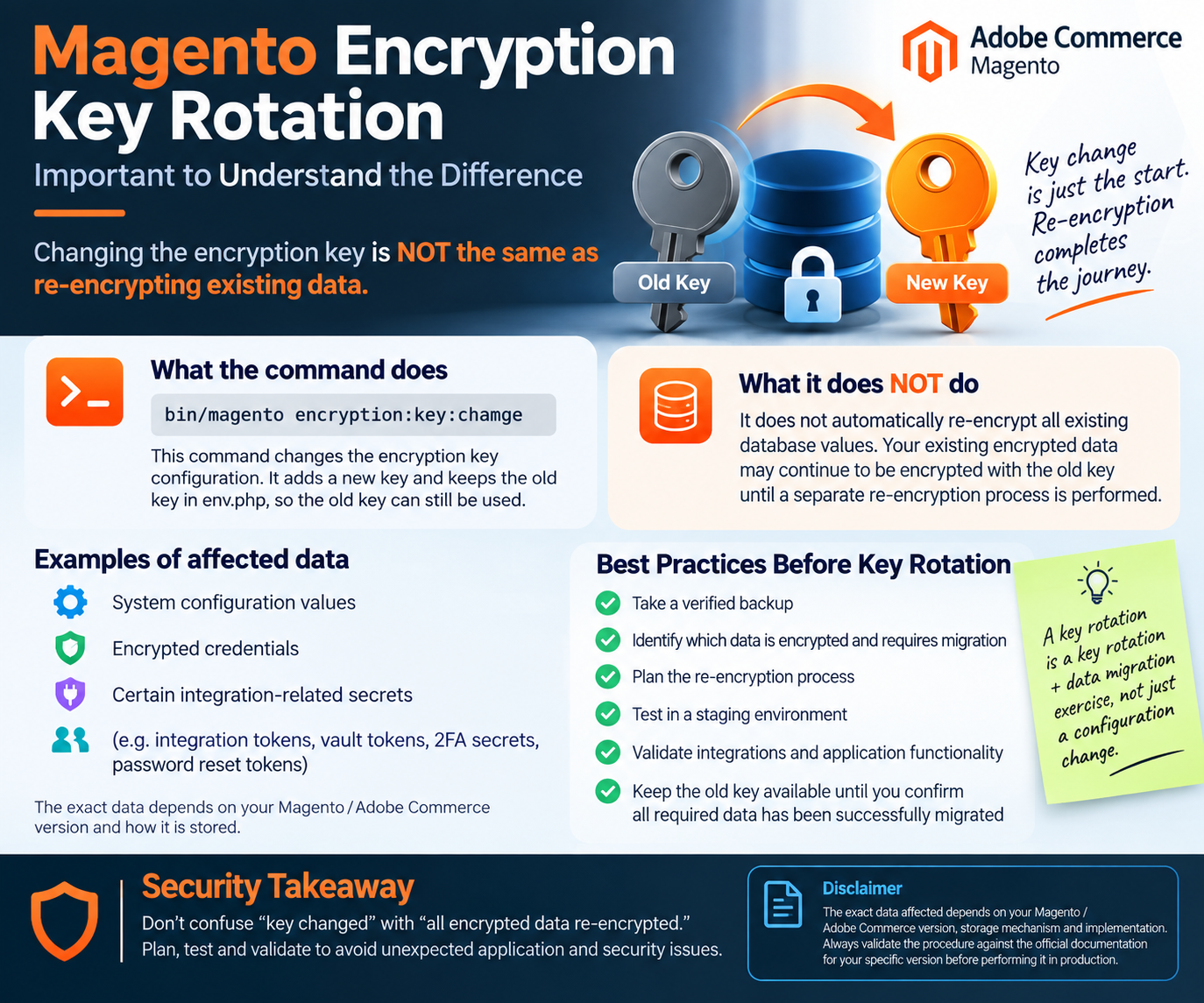
There’s an important distinction to understand when changing the encryption key in Magento / Adobe Commerce.
Running:
bin/magento encryption:key:change
changes the encryption key in env.php, but key rotation and data re-encryption are separate operations. Adobe’s documentation specifically notes that certain system configuration and payment fields may require a separate re-encryption step after rotating the key.
For example, Adobe provides:
bin/magento encryption:data:re-encrypt core_config_data sales_order_payment
for the default system configuration and payment re-encryptors. Custom encrypted fields can also require their own re-encryptor implementation.
🔑 What this means in practice
A production key rotation should not be treated as simply:
Change key → Done
Instead:
Change key → Identify encrypted data → Re-encrypt applicable data → Validate → Complete rotation
Before rotating the key:
✅ Take a verified backup
✅ Understand which data is encrypted
✅ Plan the required re-encryption
✅ Test the complete process in staging
✅ Validate integrations and application functionality
✅ Keep the new key securely stored
✅ Confirm customer/admin session impact
Adobe also notes that rotating the encryption key immediately invalidates customer and admin sessions, excluding integration users.
📚 Official Adobe Documentation
Encryption Key — Adobe Commerce
Adobe Commerce: Encryption Key
Data Re-encryption — Adobe Commerce Developer Guide
Adobe Commerce Developer Guide: Data Re-encryption
⚠️ Security takeaway:
Don’t confuse “the encryption key was changed” with “all applicable encrypted data has been re-encrypted.”
Always validate the procedure against your specific Magento / Adobe Commerce version and implementation before performing it in production.
#Magento #AdobeCommerce #MagentoSecurity #CyberSecurity #Encryption #KeyRotation #ApplicationSecurity #DevSecOps #MagentoDevelopment